Unagui Catalogue Mode for WooCommerce Pro

Gain full control over price visibility and purchasing buttons on your WooCommerce store.
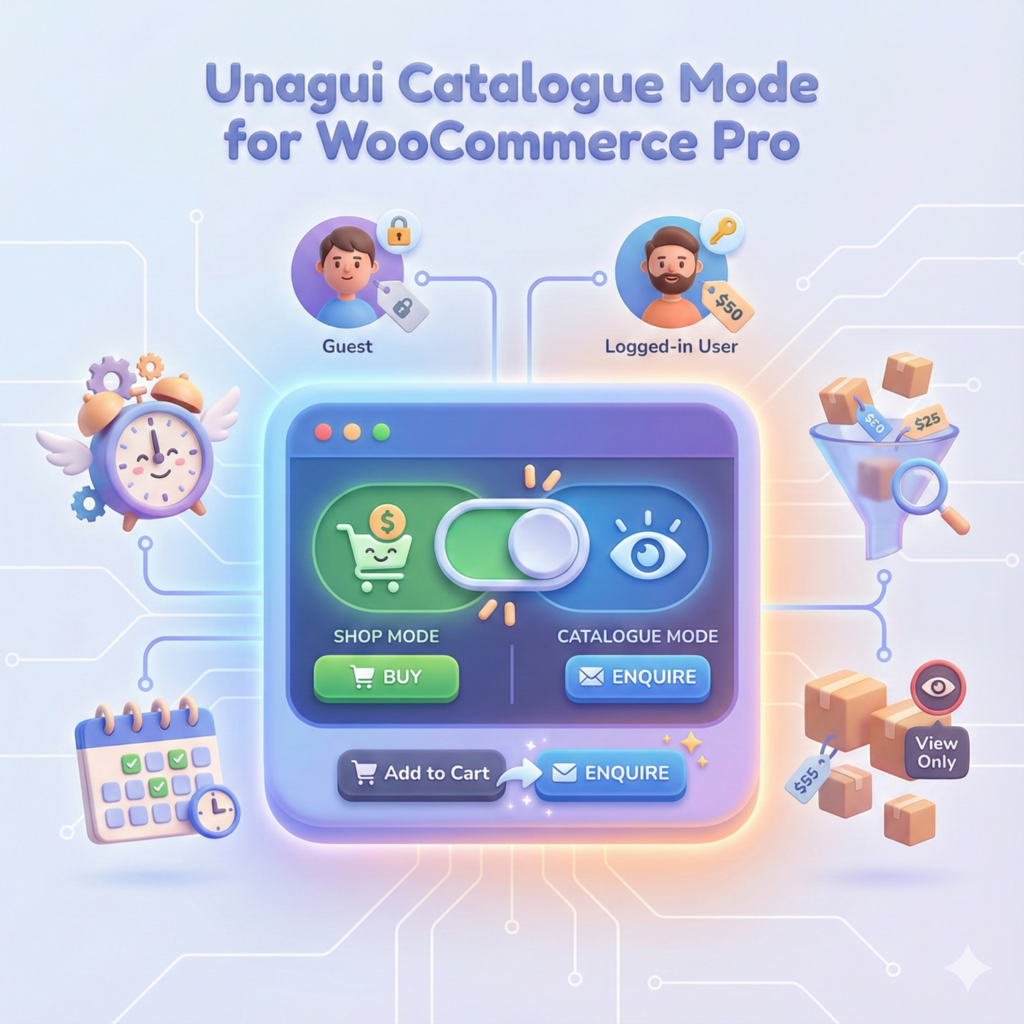
Transform your shop into a professional catalogue with ultimate flexibility. Go beyond just hiding the “Add to Cart” button. This Pro version lets you define advanced rules based on user roles (e.g., hide prices for guests only), automate catalogue mode with a precise scheduler (date/time), and fine-tune visibility by excluding specific products or categories from the rules.

Backed by our 30-Day Risk-Free Money-Back Guarantee

Core Features

Available in the free and pro version of the plugin

Instant Catalogue Activation

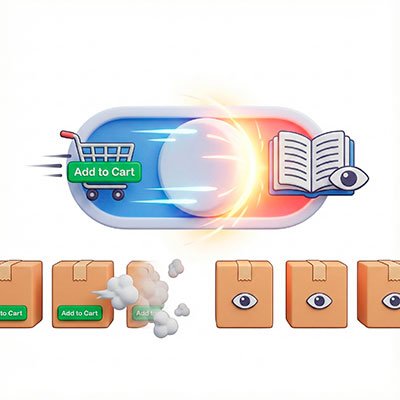
Quickly switch your entire store from a shop to a digital catalogue. Activating this mode instantly hides "Add to Cart" buttons across your site to prevent unauthorized checkouts.
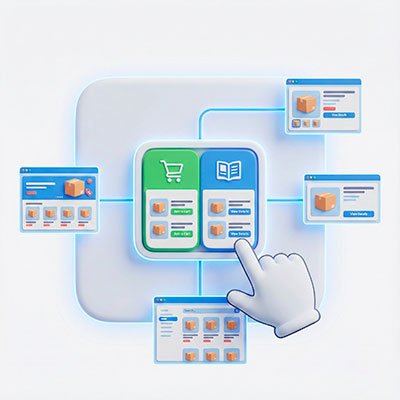
Global Settings Control

Manage your catalogue visibility from a single, intuitive dashboard. A centralized interface allows you to enable or disable the catalogue functionality for your entire store with one click.
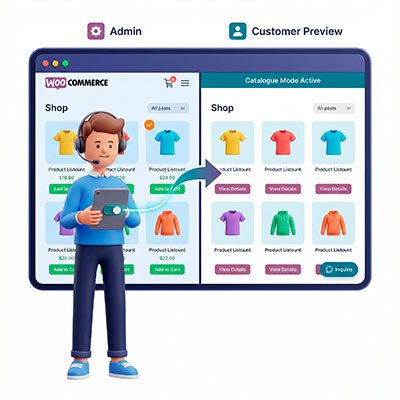
Administrator Preview Mode

Maintain full control while you work. By default, administrators see the shop functioning normally, with the option to toggle "Catalogue Mode" on for themselves to see exactly what customers see.
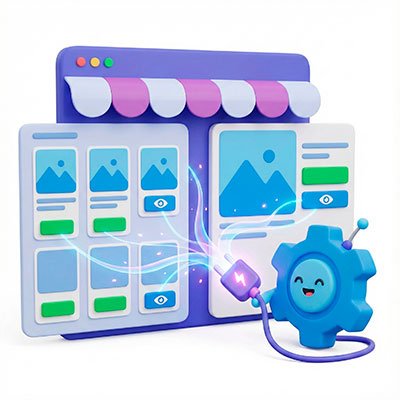
Seamless WooCommerce Integration

Designed to work out-of-the-box with standard WooCommerce setups. The plugin automatically detects and modifies the "Add to Cart" buttons on both the Shop Page (Product Loop) and Single Product pages without manual configuration.
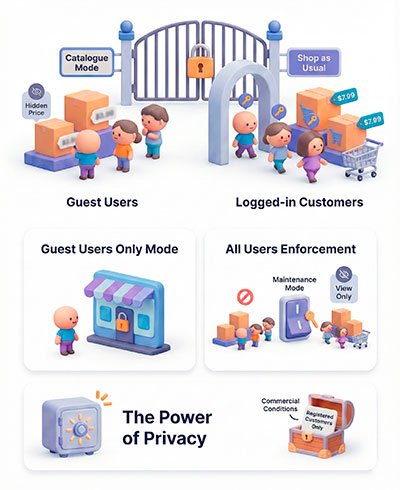
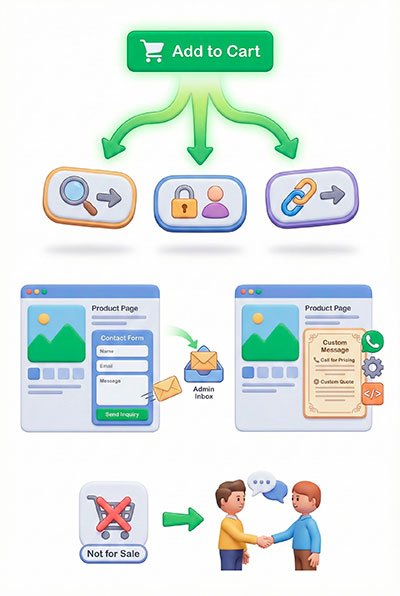
Exclusive Pro Features

Transform a Catalogue into a Strategy. The Pro version unlocks precision control, allowing you to automate availability, target specific user roles, and turn passive views into active leads.

Advanced Visibility & User Role Targeting

Unlock the power to differentiate between your casual visitors and your loyal customers. This feature is essential for B2B stores, membership sites, or businesses that require a “Login to see prices” strategy.

Dynamic Button Replacement & Lead Generation

Don’t just hide your “Add to Cart” buttons—transform them into powerful tools for customer engagement. The Pro version allows you to replace the purchase intent with a direct line of communication.

Smart Scheduler & Vacation Mode

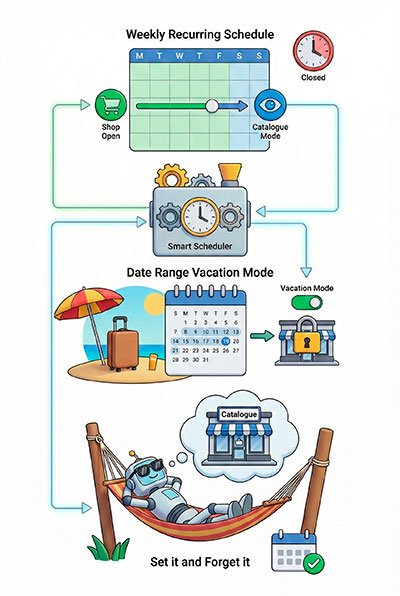
Take the manual work out of managing your store’s availability. With the advanced scheduler, you can automate your shop’s transition between Catalogue and Shop mode based on time and date.

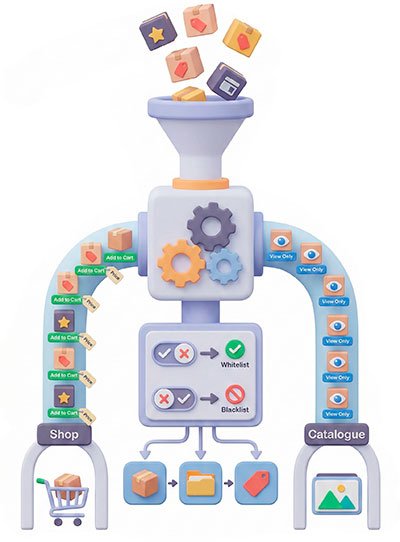
Granular Exclusions & Inventory Filtering

Maintain total precision over which parts of your inventory are affected by Catalogue Mode. The Pro version offers a powerful filtering system to handle complex shop requirements.

Free vs. Pro

Feature
Free
Pro
Enable Catalogue Mode
Hide "Add to Cart" Button
Admin View Toggle
Hide Product Prices
User Role Targeting (Guests vs. Logged-in)
Alternative Shop Buttons (Link to Product/Login)
Custom Links & URL Redirects
Lead Generation Contact Forms
Custom Rich Text / HTML Messages
Weekly Recurring Schedule (Closed days/hours)
Vacation Mode (Specific Date Ranges)
Product-Level Exclusions
Category & Tag-Based Filtering
Priority Customer Support

⭐ What Our Pro Users Say

100% Risk-Free: Our 30-Day Guarantee

We believe Unagui Catalogue Mode for WooCommerce Pro will pay for itself with the very first sales you recover. If for any reason you aren’t satisfied within the first 30 days, we will refund your purchase in full. No questions asked.

Frequently Asked Questions

Do I need the Free version installed to use the Pro features?

Yes. The Pro version acts as an extension of the base plugin. You need to have both “Unagui Catalogue Mode for WooCommerce” (Free) and “Unagui Catalogue Mode for WooCommerce Pro” active to access the advanced settings.

The primary purpose of this plugin is to disable the purchasing flow, which means the “Add to Cart” button is removed and the Cart and Checkout pages are deactivated to prevent orders. However, the Pro version gives you total flexibility: you can choose to hide or show prices independently, and instead of just removing the “Add to Cart” button, you can replace it with alternative actions such as a contact form, a “Login to View” button, or a custom link to a specific landing page.

With the Pro version, you decide! You can set it to “Guest Users Only,” which hides prices and purchasing for visitors while keeping the shop fully functional for your logged-in customers or members.
You have two powerful options: the Weekly Schedule is perfect for recurring closures (like being closed every Sunday), while the Date Range Schedule is ideal for specific dates, such as a summer vacation or a bank holiday. You can set the exact day and hour for the mode to activate and deactivate automatically.
Absolutely. Using the Exclusions feature, you can set the mode to “Apply ONLY to…” and select a specific category. This is perfect if you have “Coming Soon” collections or items that require a custom quote while the rest of your store remains shoppable.
When a customer fills out the alternative contact form on a product page, the inquiry is sent directly to the administrator email address configured in your WordPress settings.
Yes. Our plugin is designed to hook into standard WooCommerce hooks. If your theme or page builder uses the default WooCommerce button structures, Unagui Catalogue Mode for WooCommerce will detect and replace them seamlessly.
First, ensure you are not logged in as an Administrator (unless you have “Enable for Administrators” checked). Second, clear your website cache (WP Rocket, LiteSpeed, etc.) and browser cache.

Your license is valid for one (1) live production website only.

Additionally, you are permitted to activate the same license key on one (1) non-production testing environment (staging, development, or local host) associated with your main live site. This allows you to safely test updates and customizations before deploying them live.

If you cancel your annual subscription, the Pro features will continue to work until the end of your paid license period. After the expiration date:

  • The Pro features will remain active.
  • The core functionality of the Free version will remain active.
  • You will no longer receive software updates or technical support.

The most common reason for this issue is that the Free version of the plugin is not installed or active.

The Pro version, Unagui Catalogue Mode for WooCommerce Pro, is built as an extension to the free version, Unagui Catalogue Mode for WooCommerce. It relies on the free version for all core functionality and infrastructure.

Please check the following in your WordPress dashboard:

  • Is the Free Plugin installed? You must have Unagui Catalogue Mode for WooCommerce listed under Plugins > Installed Plugins.
  • Is the Free Plugin active? Ensure the free version is running before attempting to activate the Pro version.

Once the base plugin is active, you should be able to activate the Pro version without any trouble.

Why Upgrade to Pro?

While the Free version is perfect for basic shop-to-catalogue transitions, Unagui Catalogue Mode for WooCommerce Pro turns your website into a sophisticated lead-generation machine and a fully automated business tool.

For B2B & Wholesalers:
Hide prices from the public and only sell to registered customers.

For Service Providers:
Replace buttons with inquiry forms to get custom quotes.

For Busy Owners:
Let the Scheduler handle your store hours so you don’t have to toggle settings manually every weekend or holiday.