

Smart Placement Engine
Stop wrestling with code or manual shortcodes. Automate your ad revenue by native-injecting banners before or after content, between specific paragraphs, or seamlessly integrated directly inside your archive loop grids.
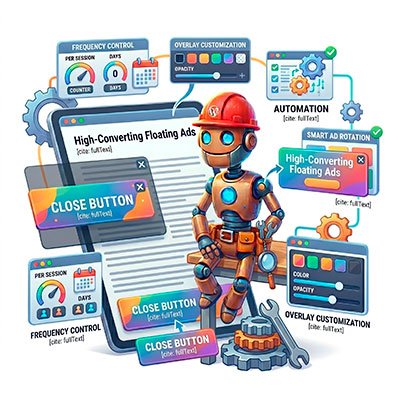
High-Converting Floating Ads
Capture user attention without ruining their reading experience. Create fully customizable floating banners with background overlays, tailored close buttons, and absolute control over frequency caps per session or days.
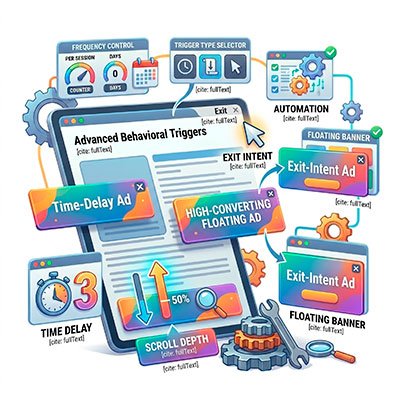
Advanced Behavioral Triggers
Serve your ads at the exact moment of maximum impact. Trigger your floating banners instantly, after a specific time delay, upon reaching a precise scroll depth percentage, or right before a user leaves your site with Exit Intent detection.
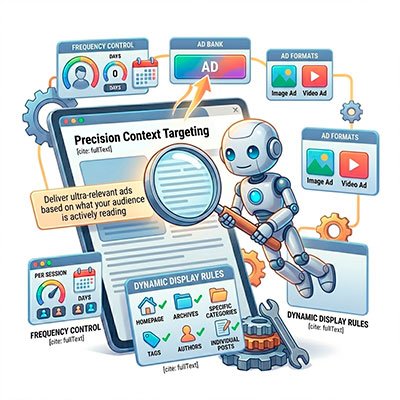
Precision Context Targeting
Deliver ultra-relevant ads based on what your audience is actively reading. Define dynamic display rules to restrict or allow specific ad spaces on the homepage, archives, specific categories, tags, authors, or individual posts.
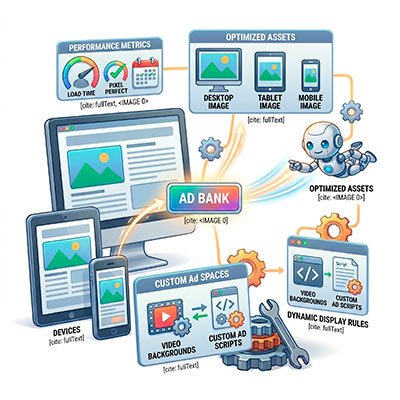
Multi-Format & Responsive Ready
Deliver pixel-perfect, fast-loading layouts on every device. Upload independent, optimized image assets for desktop, tablet, and mobile resolutions, or completely customize your spaces with video backgrounds and custom ad scripts.
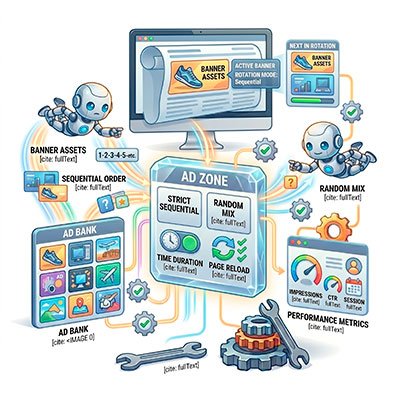
Bulletproof Ad Rotation
Maximize the real estate value of every single ad space. Assign multiple banners to a single zone and let the system automatically rotate them by time duration or page reload, using either a strict sequential order or a random mix.
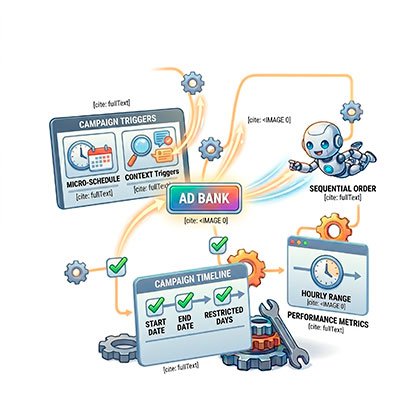
Micro-Scheduled Campaigns
Automate direct sponsorship deals for local brands with zero manual oversight. Set exact start and end dates for your banners, and restrict their visibility to specific days of the week or precise hourly ranges.

Hard Caps & Safety Limits
Sell fixed ad packages with complete peace of mind. The plugin allows you to set strict caps on total impressions or clicks per banner, automatically pausing the campaign the exact second the contractual goal is met.
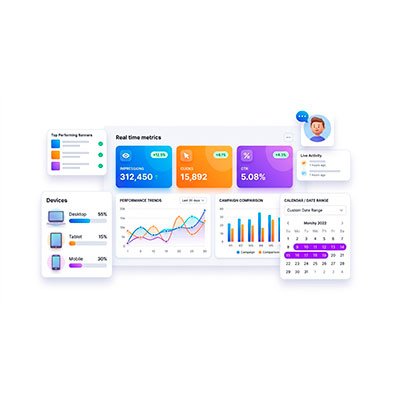
Real-Time Segmented Analytics
Monitor your inventory's performance under a microscope. Track impressions, clicks, and CTR in real time, filtered by custom date ranges and automatically segmented by user device type (desktop, tablet, or mobile).

One-Click Professional Reporting
Prove the exact value of your ad spaces to your sponsors. Export clean, visual performance reports featuring clear data charts directly into CSV or PDF formats in seconds—ready to send as a campaign wrap-up.